
USER GUIDE
Create an invoice directly
Write an invoice without an order, as a draft with no number yet.
Open Invoices → New invoice to write an invoice without an order behind it. It saves as a draft with no number; the number is assigned when you press Issue.
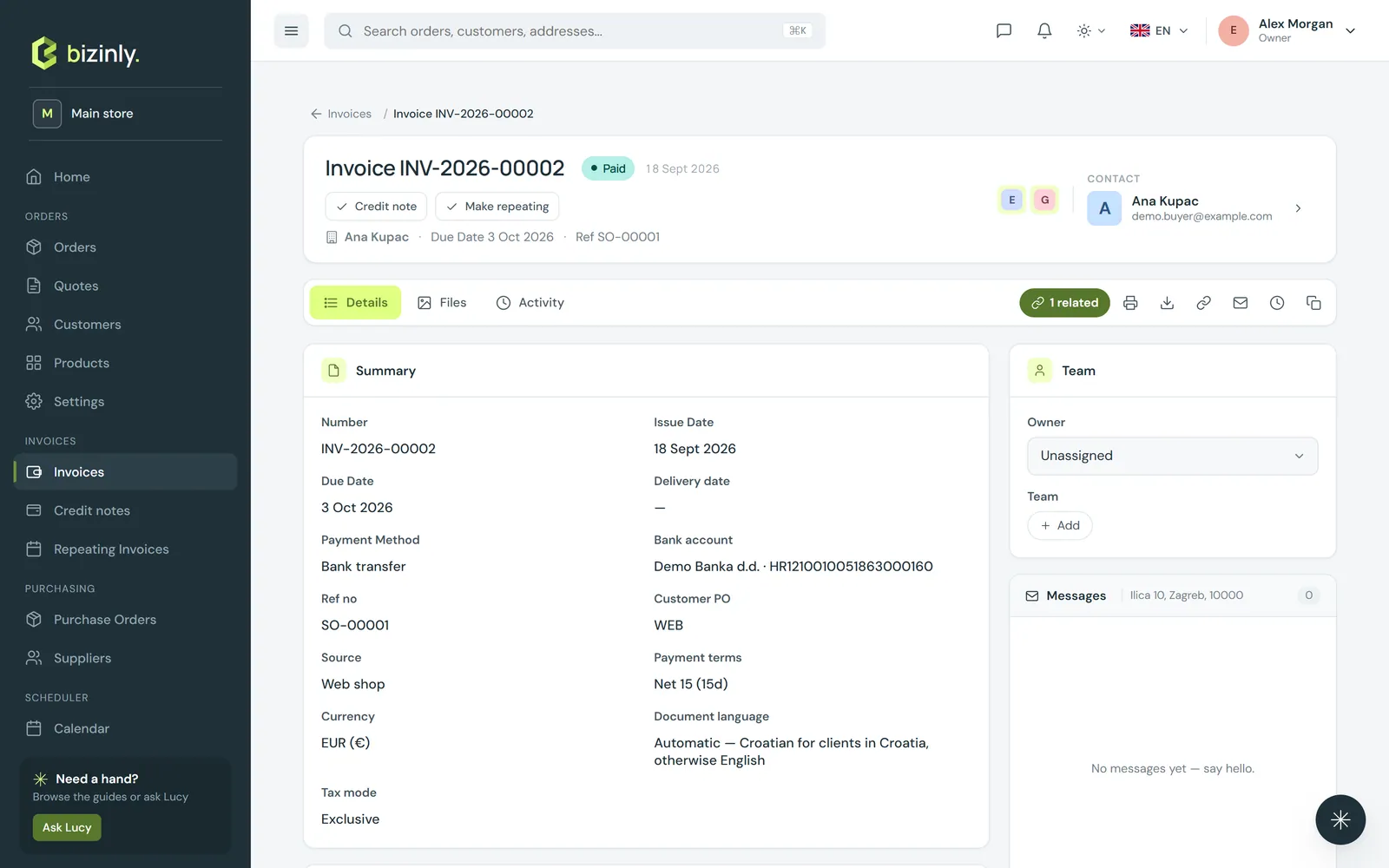
- Open Invoices and press New invoice.
- Pick the customer (or quick-add one), the bill-to/ship-to addresses and a contact.
- Fill in the details: issue date, due date (leave empty to compute it from the customer's payment terms at issue), delivery date, reference, customer PO, service period, payment terms, currency, payment method, bank account and price mode.
- Add lines: product or free text, quantity, unit, unit price, discount % and tax %. Optionally add a shipping cost, a document discount % and notes.
- Press Save. The invoice shows Draft — number assigned on issue; edit it freely until you issue it.
- Press Issue when it is final, then download the PDF, e-mail it or share a link — and later, record a payment against it.
Related: Issue and lock invoices, Due dates and payment terms, Pricing, discounts and VAT.