
USER GUIDE
Deals and the sales pipeline
A stage board for your leads, from first contact to a won quote.
The sales pipeline gives every deal you're chasing a stage board — the shape a sales team actually works in, before there is a customer to invoice.
The board
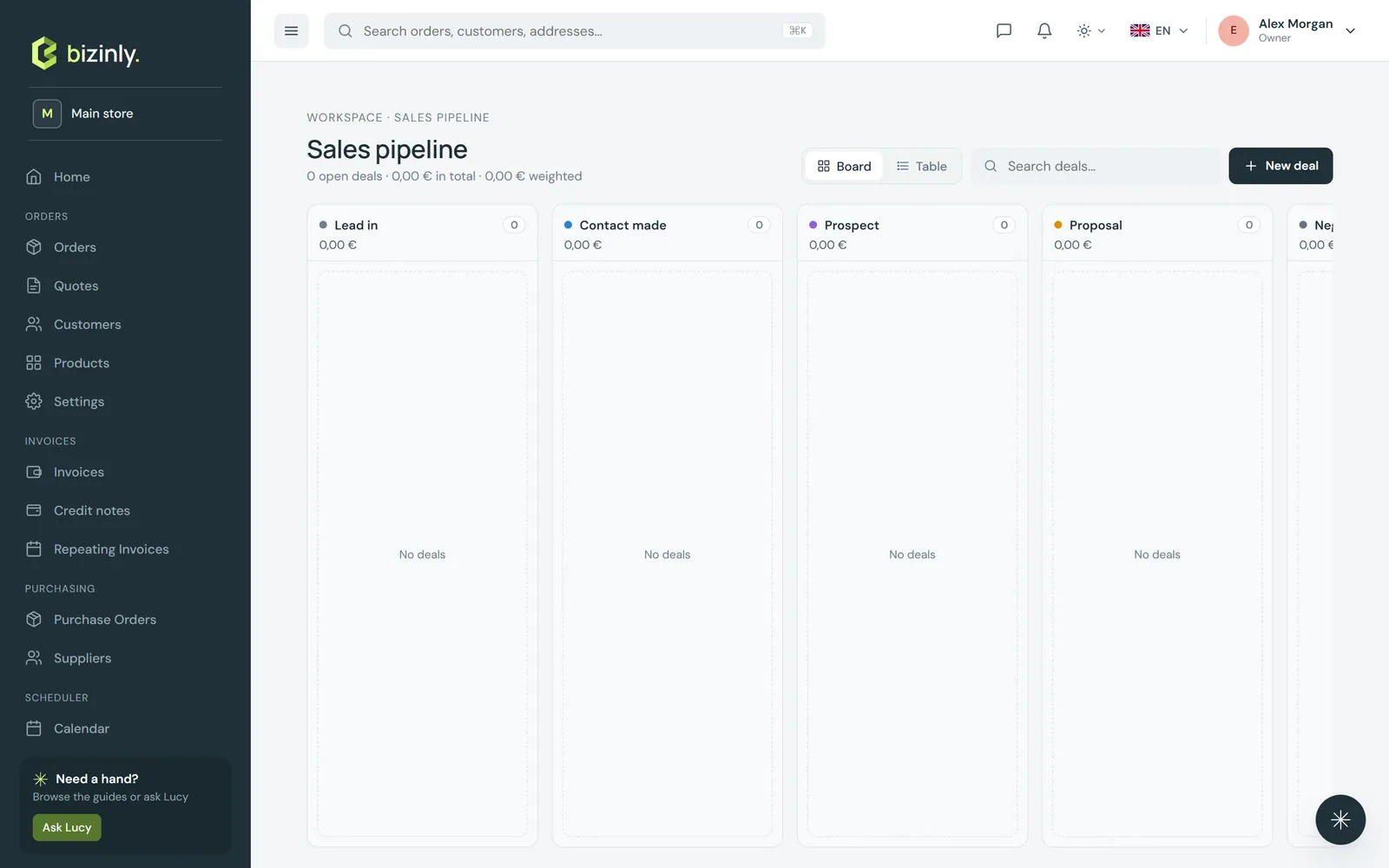
- Open Pipeline — one column per stage (Lead in, Contact made, Prospect, Proposal, Negotiation, and the closed stages Won and Lost). Each card shows the company, the deal's number, value, win probability and expected close date.
- Drag a card to another column to move it along; a move that the rules do not allow is reverted with an explanation. Column headers total the value and the weighted value (value × probability) of everything in them.
- Switch to a table or card view of the same deals with the view toggle in the corner — useful for filtering, exporting or a bulk action.
Working a deal
Open a deal from the board or the list to see:
- A contact card at the top — the deal's contact (or the company's), with one-tap call and e-mail buttons, and every other contact at the company.
- Messages — the same internal team chat panel as orders and invoices.
- Internal notes, edited in place; never printed, never seen by the customer.
- Win, Lost and, once won, Create quote buttons. A won deal converts to a quote that carries the header and lines across; a lost deal can be reopened.
- Bookings — schedule a call or meeting about the deal; it shows on the deal and on the calendar.
Leads
A company is a lead until a deal with it is won. Leads are listed separately from customers, and the deal form's company picker searches both — when nothing matches, Create lead quick-adds one. Winning a deal (from the board, or by that deal's quote being accepted) converts the company to a full customer automatically.
Related: Add a customer, Create a quote, Collaboration: messages and files.