
USER GUIDE
Your account
Profile, contact details and language — the same across every app on the platform.
Your own settings live at Account settings, in the user menu — separate from your business's own Settings, which an administrator manages for everyone.
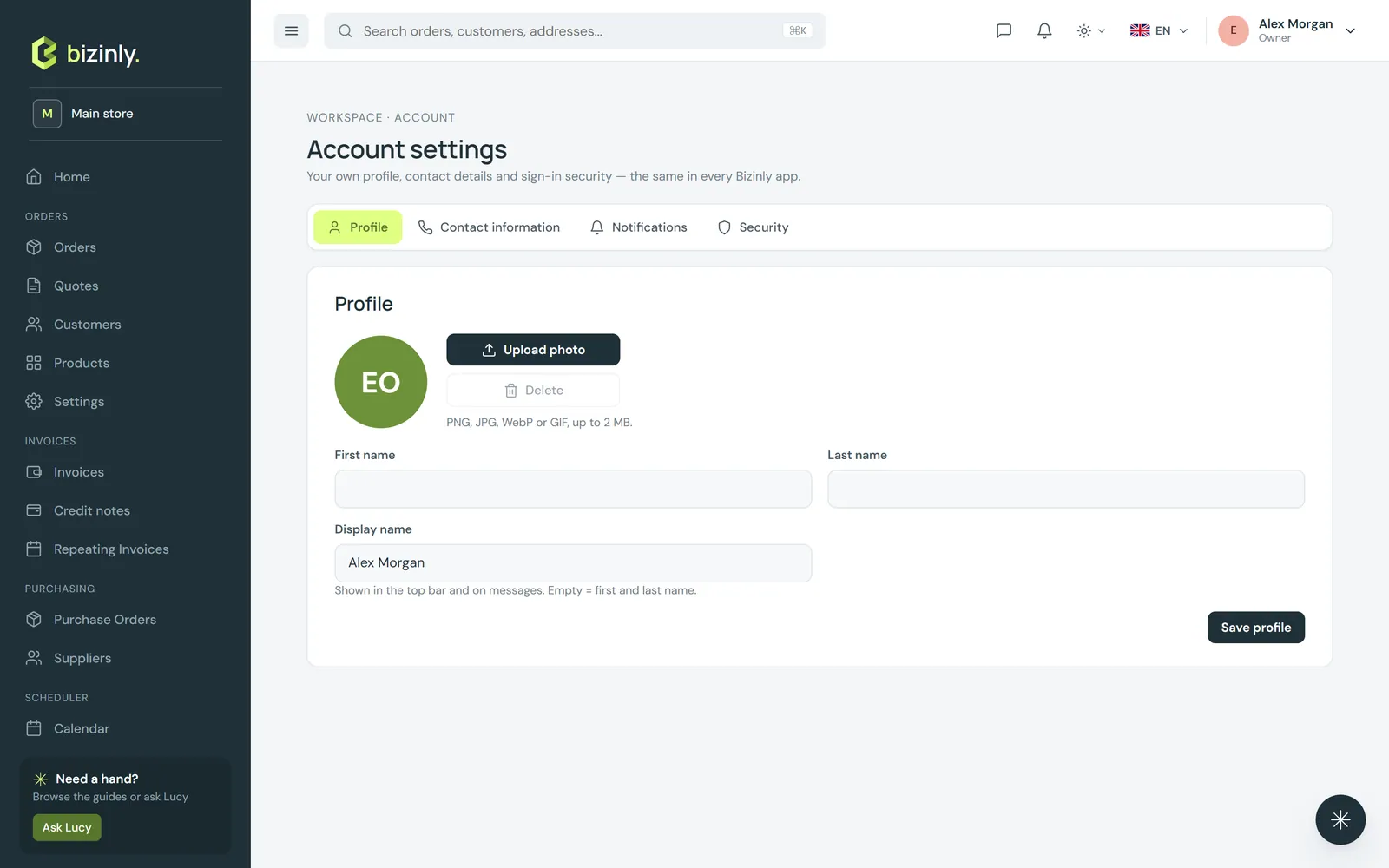
Profile
Upload a photo, and set your first name, last name and a display name. Your photo and name show in the top bar and anywhere you are named on a document — a message you sent, an activity log entry, a contract you signed off on internally.
Contact information
Your phone number, your interface language, and your time zone. Your sign-in e-mail is shown here too, but it is read-only — ask an administrator to change it.
Shared across every app
Your name, photo and contact details live on one shared identity, so a change made here is the same wherever else you use it — nothing to update twice.
Related: Account security, Notifications.