
USER GUIDE
Reference data: tax, currencies, units, payment methods and statuses
The building blocks every document line and every payment picks from.
A handful of Settings tabs hold the reference data your documents are built from — each row edited inline, one row per tab marked as the default.
Tax types, currencies and units
- Tax types: name, code, rate %, an optional compound rate, an input-tax flag, and validity dates. A rate already used by a product or a document cannot be deleted.
- Currencies: ISO code, symbol, name and exchange rate.
- Units: name and a short code (for example, "kg" or "h") — prints on a line when the unit column is switched on.
Payment methods and payment terms
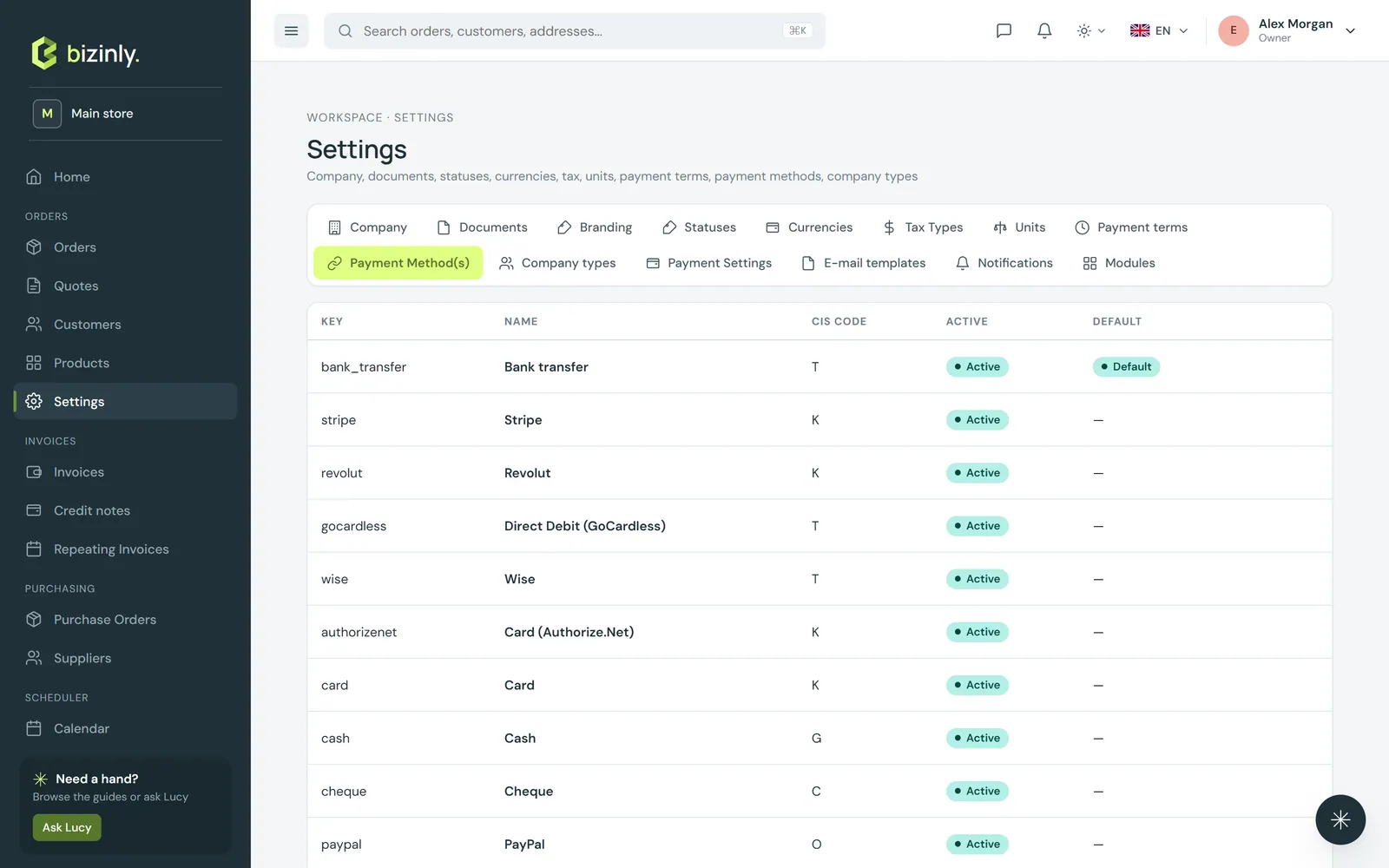
- Payment methods: bank transfer, card, cash, cheque, PayPal and other, ready out of the box; add your own, and set a default.
- Payment terms: a name, a number of due days and a due-day type (see Due dates and payment terms for the four types), with a live preview of the resulting due date.
Both appear on the invoice form's own fields, on the Record payment dialog, on the printed payment strip, and as a customer's own default.
Customising statuses
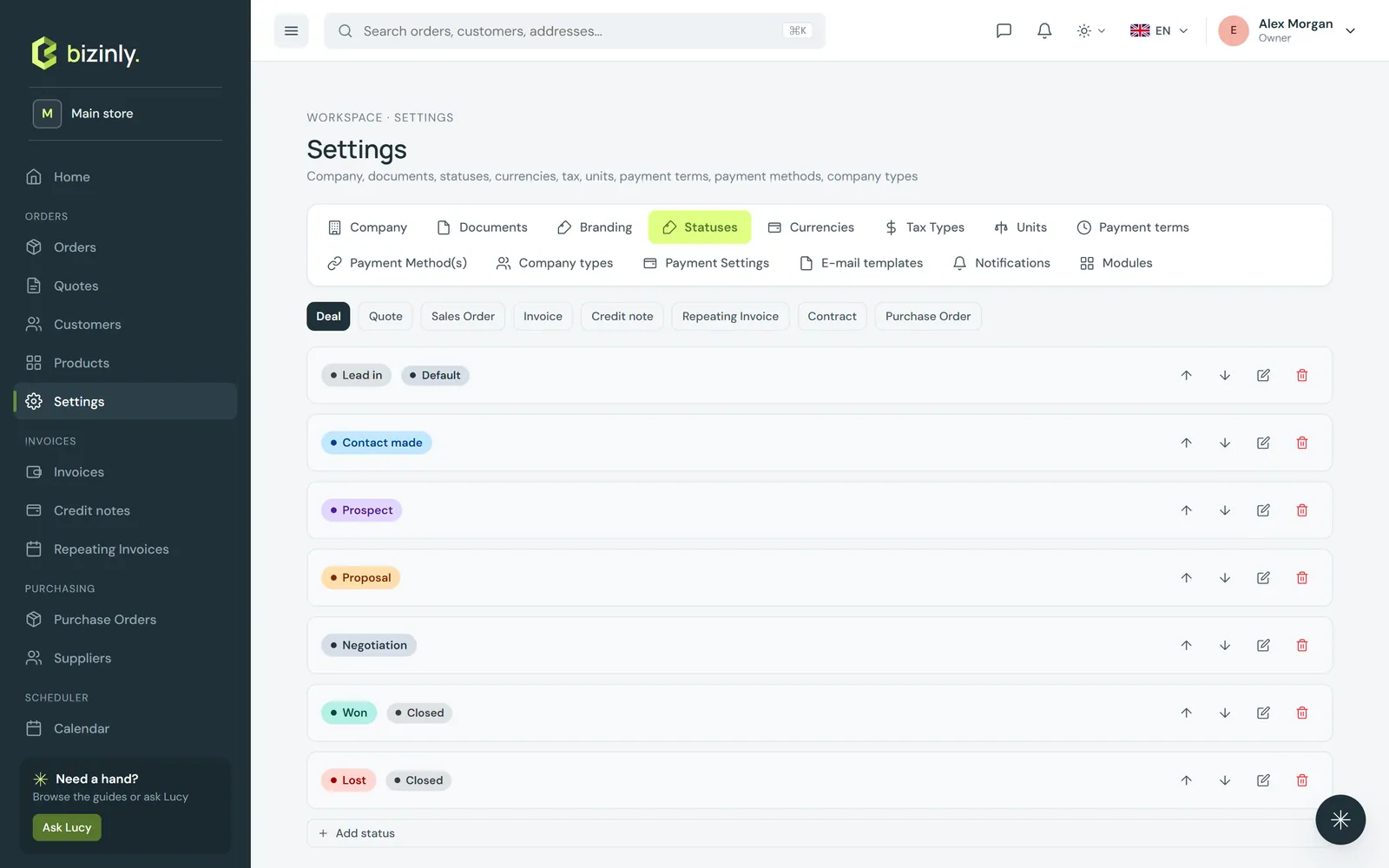
An administrator can rename, recolour and reorder the status list for each document type, and add a custom status of their own, in Settings → Statuses. The status list is shared across your whole installation, so this tab needs the administrator role; the built-in rules for which status can move to which are fixed.
Related: Add a product, Pricing, discounts and VAT, Working with documents.